






How To
This section is dedicated to helping you use and make the most out of your Apple products. iPhone, iPad, Mac, Apple Watch—if it can make your life better, we’ll show you all the techniques you need to know to get the most out of what you have.

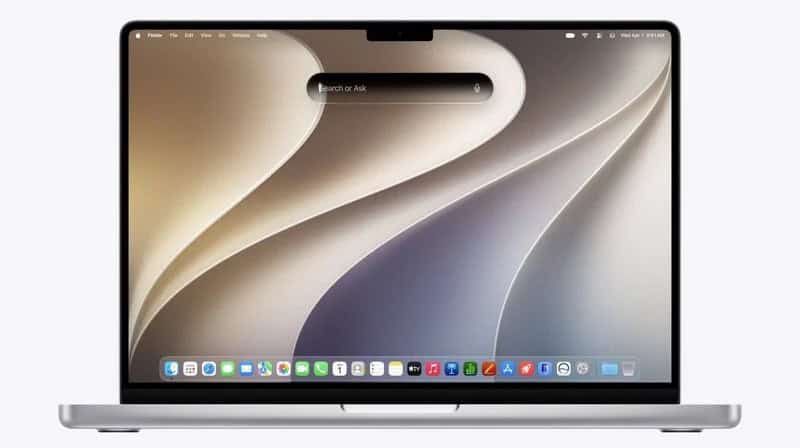


How to Set Up Automatic Security Updates on Apple Devices
Apple patches most flaws before they are exploited, if you let it.

What Private Wi-Fi Address Does, and When to Change It
A hardware address that never changes lets a network recognise you for years.

How to Reduce Liquid Glass Transparency in iOS 27
Reduce Transparency still flattens it further than the slider can reach.
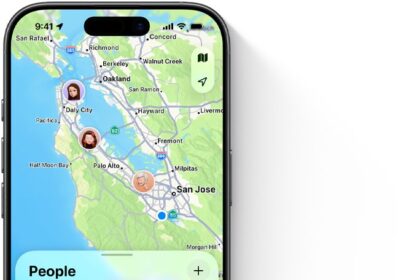
How to Get Find My Alerts When Someone Arrives or Leaves
The radius can be anything from 300 feet to 150 miles across.
How to Activate the New Siri on iPhone, iPad, Mac, and Watch
Apple removed the iOS 26 double-tap shortcut, and the Mac’s contextual menu now hands Siri…
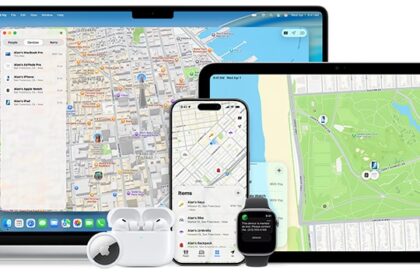
Why Find My Shows the Wrong Location
A router carries its recorded position with it when it moves house.
How to Erase a Lost iPhone or Mac Remotely
An erased iPhone can still be tracked, but an erased Mac cannot.

How to Use ChatGPT With Siri AI
ChatGPT requests skip Private Cloud Compute, so signing in changes where your words end up.

iOS 27 Compatibility: Which iPhones and iPads Can Upgrade
The install list is unchanged from last year, but the Apple Intelligence one is not.
How to Use Write With Siri and Edit With Siri
Summary, Key Points, List and Table are gone as buttons but still work if typed.
How to Set Up Screen Time and Parental Controls in iOS 27
Parents can now cap entertainment, games and social media separately.
How to Read the Find My App’s Status Labels
Now means the location was updated within the last minute.