







iOS 27 and iPadOS 27 have minimum hardware requirements. You won’t be able to upgrade any iPhone or iPad that isn’t a supported model. There are further limitations to using Apple Intelligence, which requires certain processor features and applies only to a subset of iPhones and iPads that can install iOS 27 and iPadOS 27.
Check your iPhone for compatibility
You can upgrade to iOS 27 on any of these iPhone series or models, the same as with iOS 26:
- iPhone 11 series or later
- iPhone XS series
- iPhone SE (2nd generation or later)
If you’re not sure which iPhone model you have, go to Settings > General > About and check the Model Name entry.
Check your iPad for compatibility
iPadOS 27 will install on these models of iPads, with their minimum generation noted for each, the same list as with iPadOS 26:
- iPad Pro 12.9-inch (3rd generation and later)
- iPad Pro 11-inch (1st generation and later)
- iPad Air (3rd generation and later, including M2)
- iPad (8th generation and later)
- iPad mini (5th generation and later)
If you’re not sure which generation your iPad is, look at Settings > General > About > Model Name.
Check whether you can use Apple Intelligence
Your device must meet minimum hardware requirements to use Apple Intelligence, which is interleaved more thoroughly in apps and in the system in iOS 27 and iPadOS 27 than in previous releases. That includes the upgrade to Siri, now called Siri AI. To use Apple Intelligence and Siri AI you need:
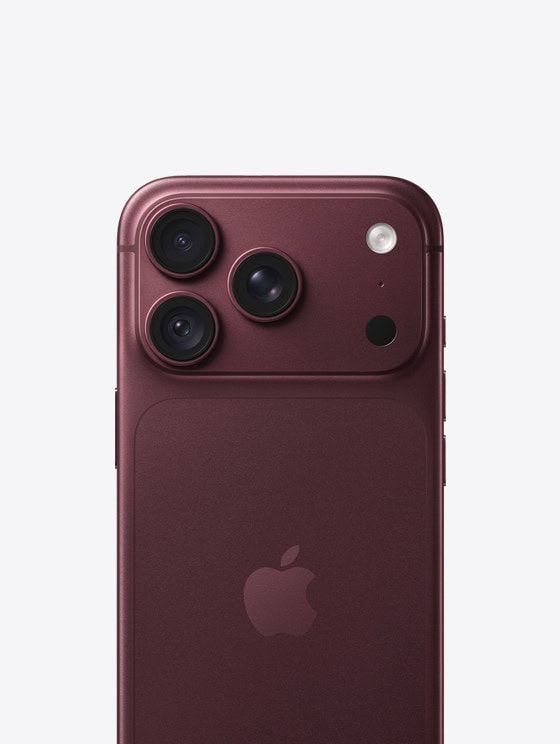
- An iPhone 15 Pro, iPhone 15 Pro Max, iPhone Air, or any iPhone 16 or 17 model
- An iPad mini from 2024 or later (A17 Pro)
- Any iPad with an M1 or later processor
iPad models with an Apple silicon M-series chip are the 11-inch iPad Pro, 3rd generation and later; the 12.9-inch iPad Pro, 5th generation and later; and the iPad Air, 5th generation and later.
Several features need Apple Intelligence, and thus a supported iPhone or iPad—such as Spatial Reframing in Photos, or Call Context for surfacing relevant information when using the Phone app.
Siri AI’s most advanced on-device version, which includes improved dictation and an “expressive” custom Siri voice, has even higher minimum requirements. Those features are available only on:
- iPhone Air, iPhone 17 Pro, iPhone 17 Pro Max
- iPads with an M4 and later and 12 GB or more of unified memory, which excludes the 11-inch and 13-inch iPad Pro models with 256 GB and 512 GB of storage from 2024
If your device is on the list, installing iOS 27 is the next step.