





How To
This section is dedicated to helping you use and make the most out of your Apple products. iPhone, iPad, Mac, Apple Watch—if it can make your life better, we’ll show you all the techniques you need to know to get the most out of what you have.




How to Set Up Automatic Security Updates on Apple Devices
Apple patches most flaws before they are exploited, if you let it.

What Private Wi-Fi Address Does, and When to Change It
A hardware address that never changes lets a network recognise you for years.

Photos in iOS 27: Keywords, Shared Albums and More
Shared Albums can finally carry full-resolution photos, once you upgrade them.

How to Stop or Pause Sharing Your Location
Paused sharing shows the other person only that no location was found.
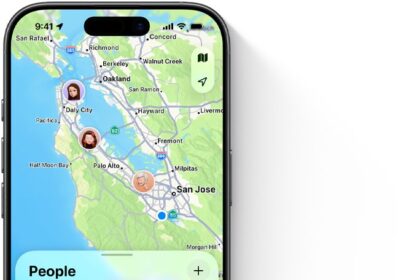
What Someone Sees When They Find Your Lost Device
Contact info switches itself off the moment the item is near you again.

What’s New in Reminders and Notes in iOS 27
Share a recipe to Reminders and it offers to add every ingredient at once.

Safari in iOS 27: Page Summaries, Tab Groups, and More
You can describe an extension and Safari will build it, though not an ad blocker.

How to Turn On Advanced Data Protection for iCloud
Once it is on, losing your devices and recovery method loses the data.

Every Siri Setting Worth Changing in iOS 27
You can no longer disable Apple Intelligence, only Siri, and not everything stops.
Apple Intelligence in Photos: What’s New in iOS 27
Every generative edit is tagged with an invisible SynthID watermark.

What the Secure Enclave Does on Your Apple Devices
Ten wrong passwords on a Mac still leaves you forty more attempts.
Live Translation in iOS 27: FaceTime, Phone, and Messages
Only one side needs to switch it on, and the other party gets the benefit…