





How To
This section is dedicated to helping you use and make the most out of your Apple products. iPhone, iPad, Mac, Apple Watch—if it can make your life better, we’ll show you all the techniques you need to know to get the most out of what you have.

How to Set Up Automatic Security Updates on Apple Devices
Apple patches most flaws before they are exploited, if you let it.
What Private Wi-Fi Address Does, and When to Change It
A hardware address that never changes lets a network recognise you for years.
How to Leave the iOS 27 Beta and Go Back to iOS 26
Learn How to Downgrade From iOS 27 Beta or iPadOS 27 Beta Using This Quick…
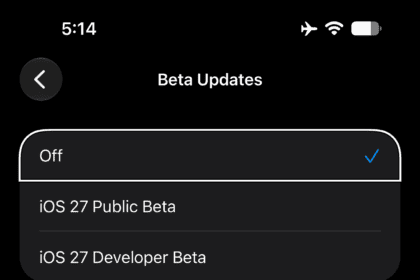
How to Turn Off iOS 27 Beta Updates Without Erasing Your iPhone
To stop receiving iOS 27 betas on your iPhone, all you need to do is…
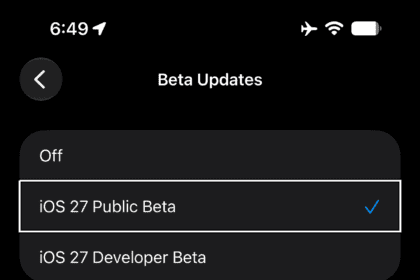
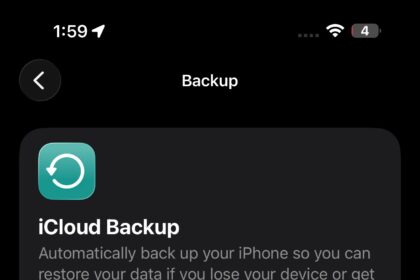
How to Back Up Your iPhone Before Installing iOS 27
Be Sure to Back Up Your iPhone the Right Way Before Installing iOS 27
How to Install the iOS 27 Public Beta on Your iPhone
iOS 27 public beta is available now for supported iPhone models. Here’s how to install…
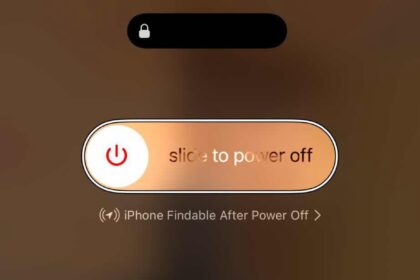
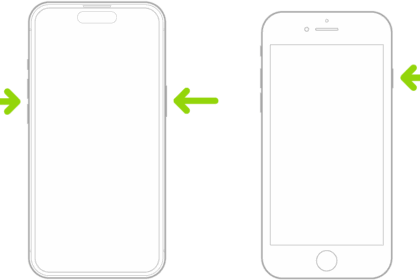
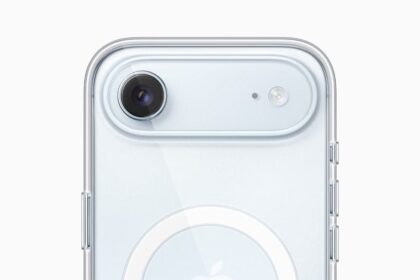
How to Calibrate The iPhone Battery
Here's how to calibrate your iPhone battery and why it's worth doing every so often.…
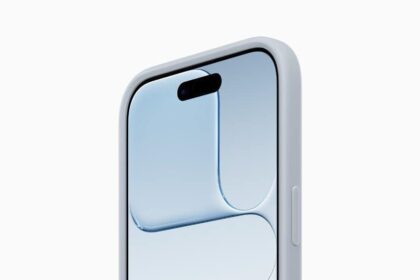
How to Put Your iPhone in DFU Mode (Step-by-Step)
Here are some simple steps to follow if you need to know how to put…
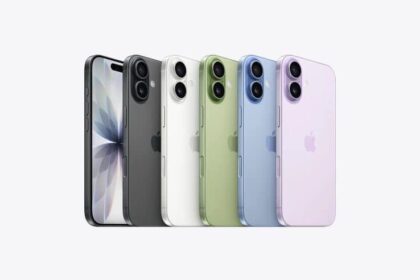
How to Put Your iPhone in Recovery Mode (Step-by-Step)
Here are some simple steps to follow if you need to know how to put…