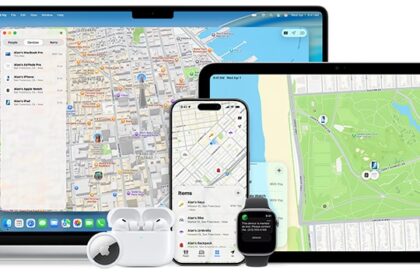





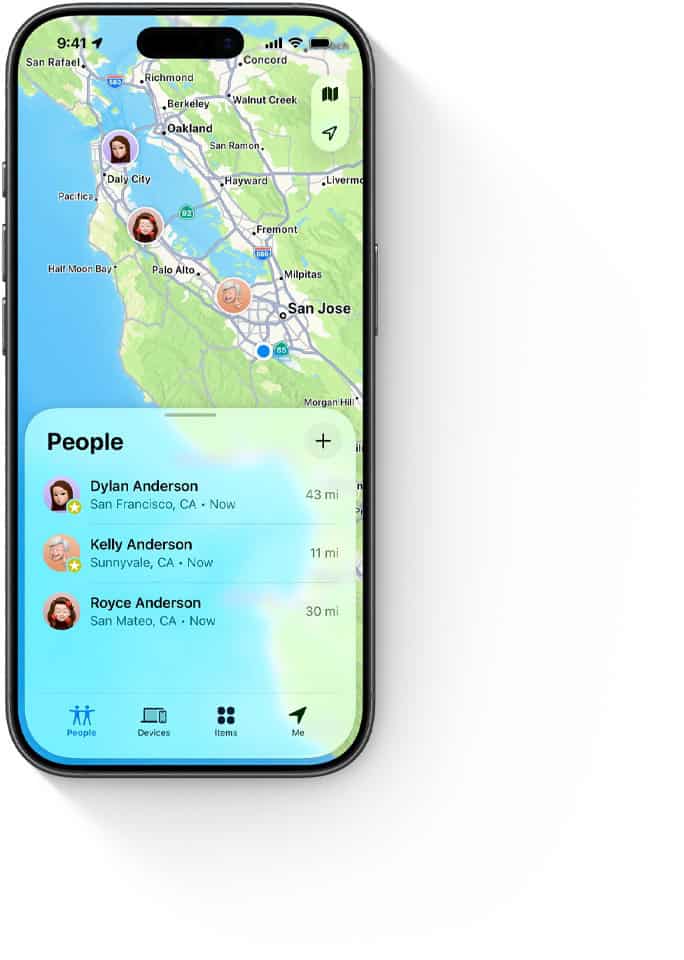

Your device that marks your presence—the hardware that your location is indicated as to others—updates that location automatically with Apple’s services on a fairly constant basis. If you’re out of range of cellular or Wi-Fi, there’s another option to push a location update—a satellite! Very futuristic.
Apple’s satellite-data option built into the iPhone 14 and later and the Apple Watch Ultra 3 lets you send the tiny bits of information necessary via Find My when you’re otherwise offline.
The next time you’re out of range of service, you can give Send Location via Satellite a whirl.
In the Me view in the iPhone or Apple Watch Find My app (or watchOS 26 Find People app) is My Location via Satellite: tap Send My Location. Your iPhone or Ultra 3 guides you through holding it in the right position to make a satellite connection. Apple lets you send your location as frequently as every 15 minutes. Find My isn’t updated with the location of other people who have shared their location with you, however.
What it needs to work
There are some requirements:
- Both you and the other party must have an iPhone 14 or later and iOS 16 or later installed, or an Apple Watch Ultra 3 (requires watchOS 26 or later paired with iOS 26 or later). The location isn’t shared to devices that don’t meet these criteria.
- An iPhone you use has to be set as your “presence” device before you’re offline.
- An Apple Watch Ultra 3 must have an active Wi-Fi or cellular network plan, and its paired iPhone doesn’t need to be nearby, but it must be powered on and connected to either a Wi-Fi or cellular network for the satellite process to work.
- The person you send your location to must be someone you already share your location with via Find My. That has to be set up before your iPhone is unable to connect via cellular or Wi-Fi.
For more on presence and setting your phone as your primary location device, see how Find My works.
Why Apple built this at all
Apple first introduced satellite access as a safety feature, highlighting all the ways that you could use their Emergency SOS via Satellite feature. Later, Apple spent some of their dragon hoard of cash to expand their satellite network access, as they rolled out Find My, emergency roadside assistance, and iMessage over satellite. Emergency SOS via Satellite works in 18 countries as of September 2026; iMessage over satellite works in Canada, Mexico, Japan, and the United States; and emergency roadside assistance works in Australia, the United States, and the United Kingdom.
Apple originally said they would cover the cost of satellite usage for the first two years after activation, but has continued to extend the free period and hasn’t disclosed future pricing. Their current statement on all satellite-related pages reads, “It’s free for two years after the activation of an iPhone 14 or later (all models).” However, we are well past two years for many models. (My guess is it will ultimately be $10 a month and rolled into Apple One subscriptions.)