







- Use the side button to turn on iPhone.
- You can use the side button (along with either volume button on some models) or Settings to turn off iPhone.
If your iPhone isn’t working as expected, you can try restarting it by turning it off, then turning it back on. If turning it off and on doesn’t fix the issue, try forcing it to restart.
How to Turn iPhone on or off
Turn on iPhone
- Press and hold the side button until the Apple logo appears.
- Release the Side button.
Turn off iPhone
- Go to Settings > General > Shut Down.
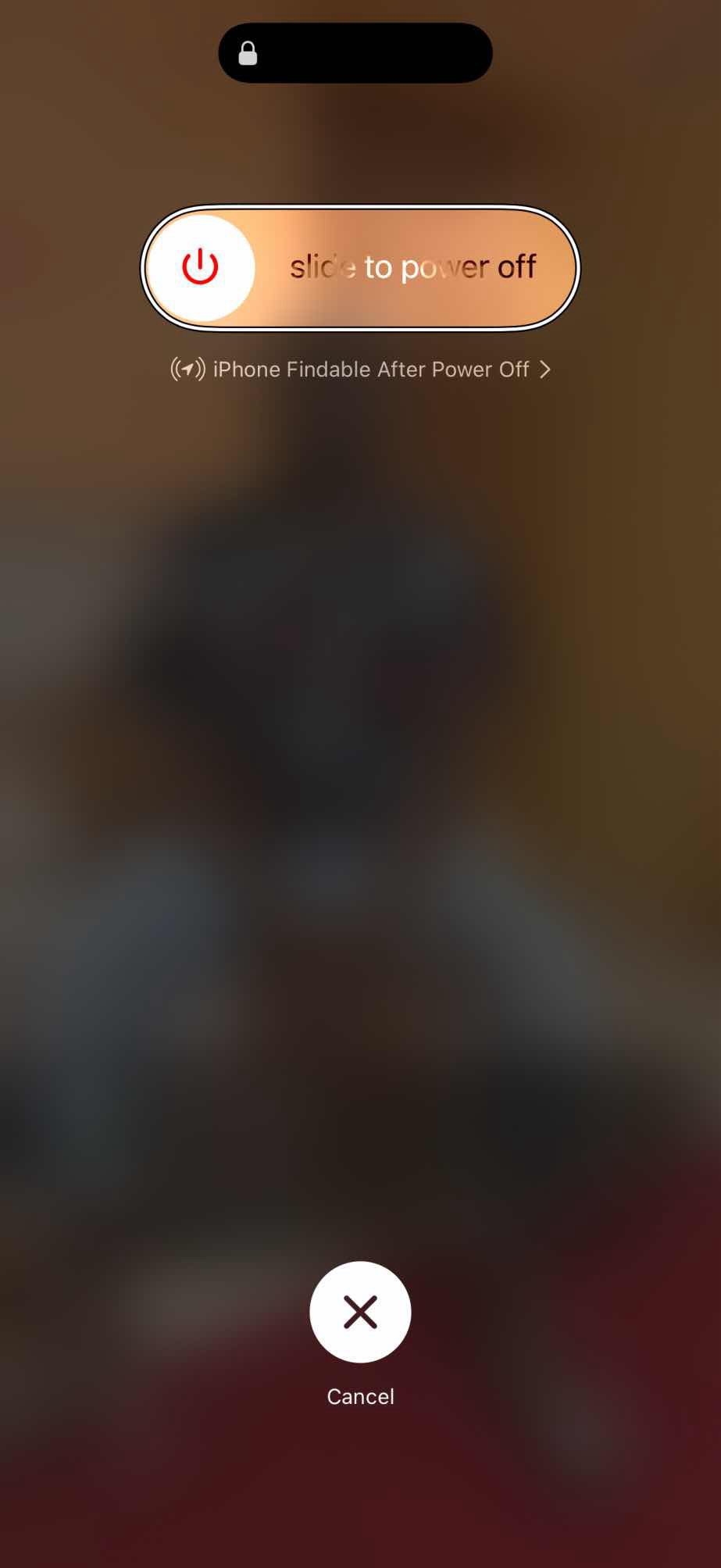
- Drag the Slide to Power Off slider.
You can also shut down your iPhone using physical buttons:
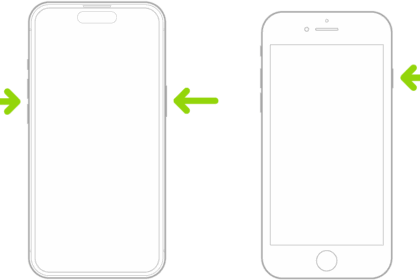
- iPhone with Face ID: Simultaneously press and hold the side button and either volume button until the sliders appear, then drag the Power Off slider.
- iPhone with the Home button: Press and hold the side button, then drag the Slide to Power Off slider.